How to Use Lumi
Your simple guide to Lumi.
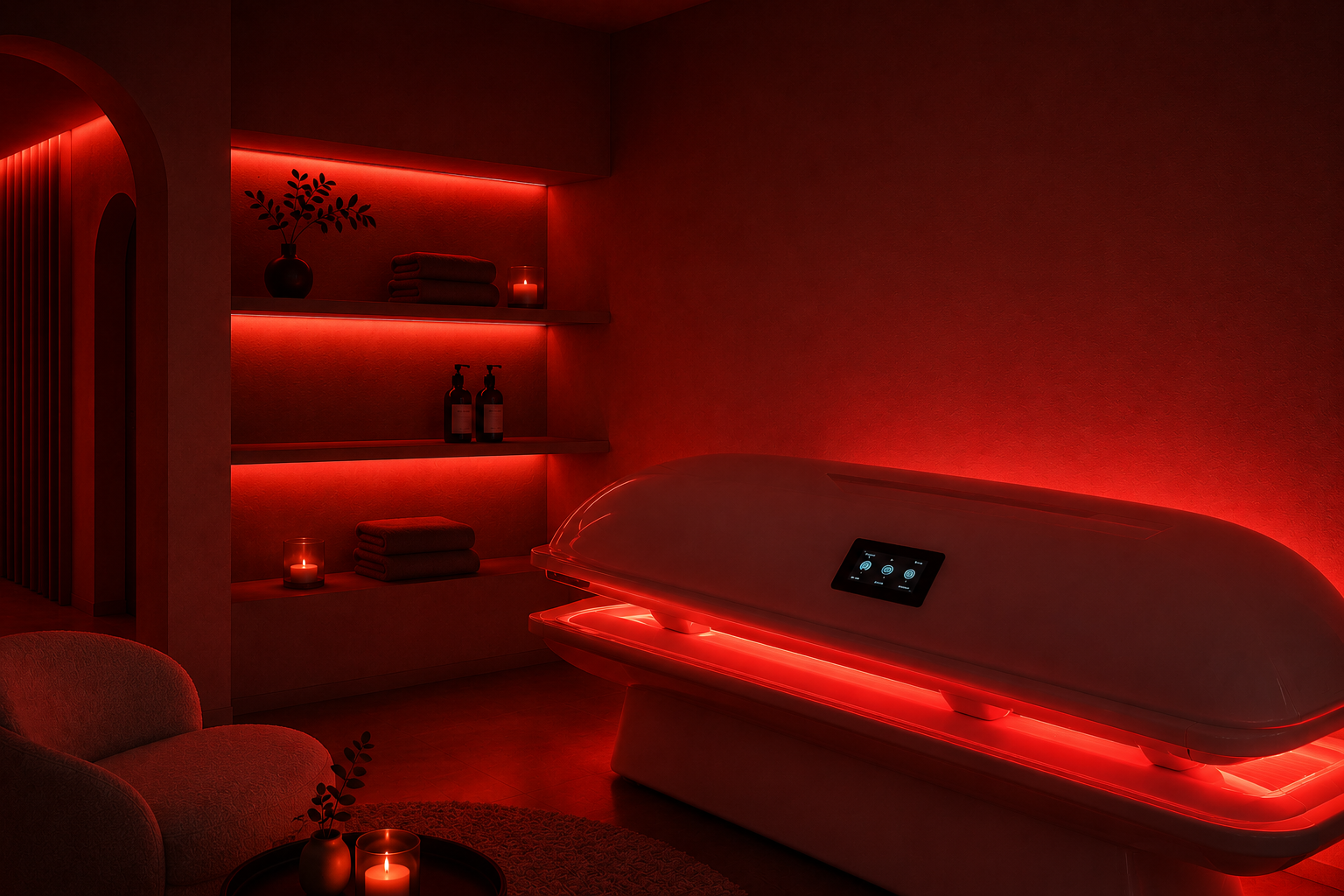
Everything you need to know before your first visit, from accessing the self service studio to enjoying your red light therapy session.

Lumi is an automated, self-service studio.
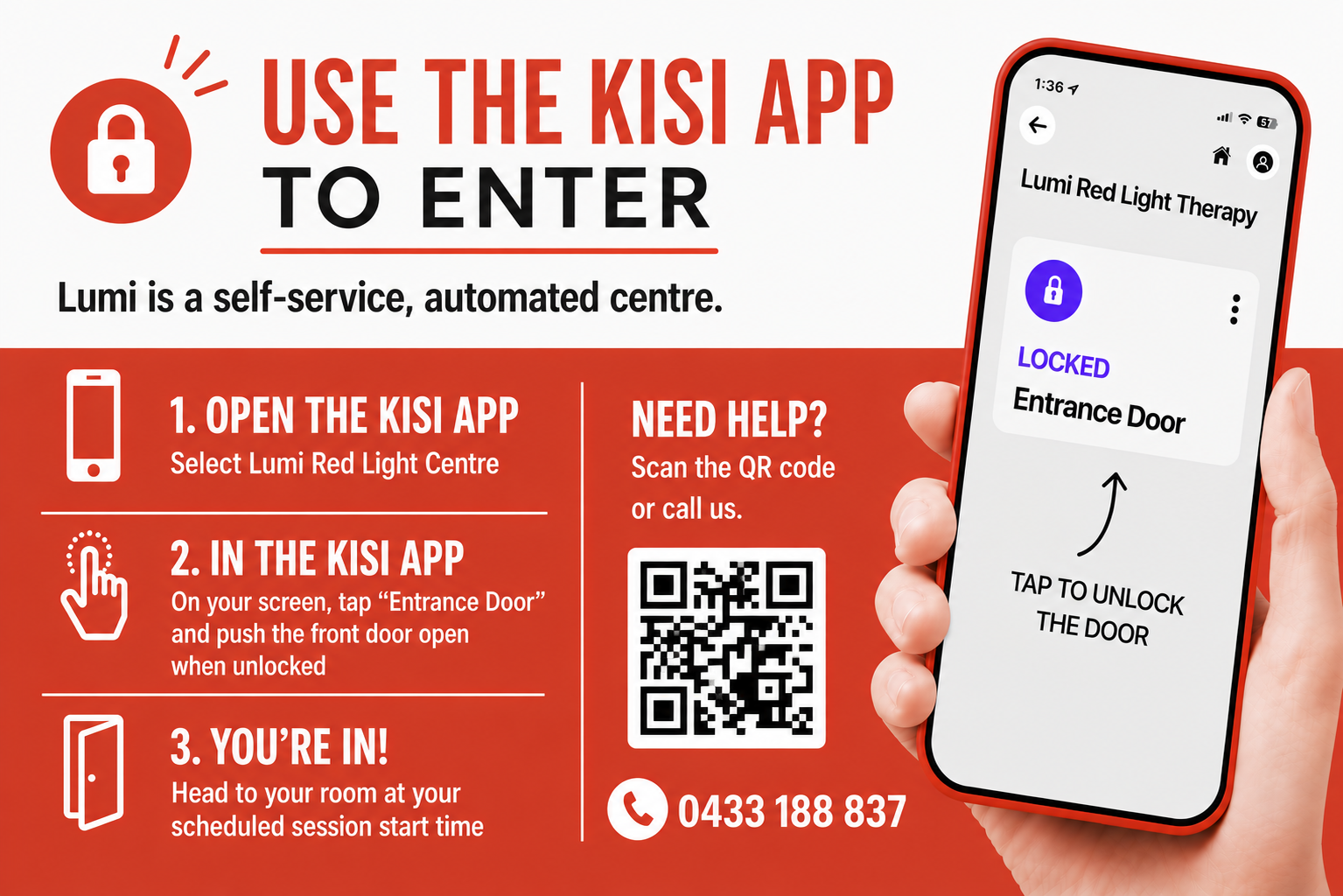
Lumi Red Light Therapy uses KISI, which allows you to unlock doors with your mobile phone.
The Kisi app is required for phone unlocks:
When you have the app installed, enter your email to receive a sign-in link. For manual sign in option, use "lumi" as your organisation domain.


You’ll receive a separate invitation email from KISI shortly after booking your first session to access the building.
Access is easy.
On the day.
Arrive at the studio
Please arrive no more than 5 minutes before your appointment.
Open the KISI app on your phone.
Tap to UNLOCK
If early, please use the waiting area until your session time starts.
Enter the studio
on or just after your allocated booking time begins. and follow the in-room instructions.
Please do not open the door for others. Each client receives their own access credentials.

WHAT TO WEAR
Most clients choose underwear or bathers. For the best light exposure, avoid applying heavy lotions, oils, sunscreen or fake tan immediately before your session.
CHECK BEFORE USE
If you are pregnant, taking light-sensitive medications or have any known medical conditions, please check with your healthcare professional before using the beds.

CLEANLINESS MATTERS
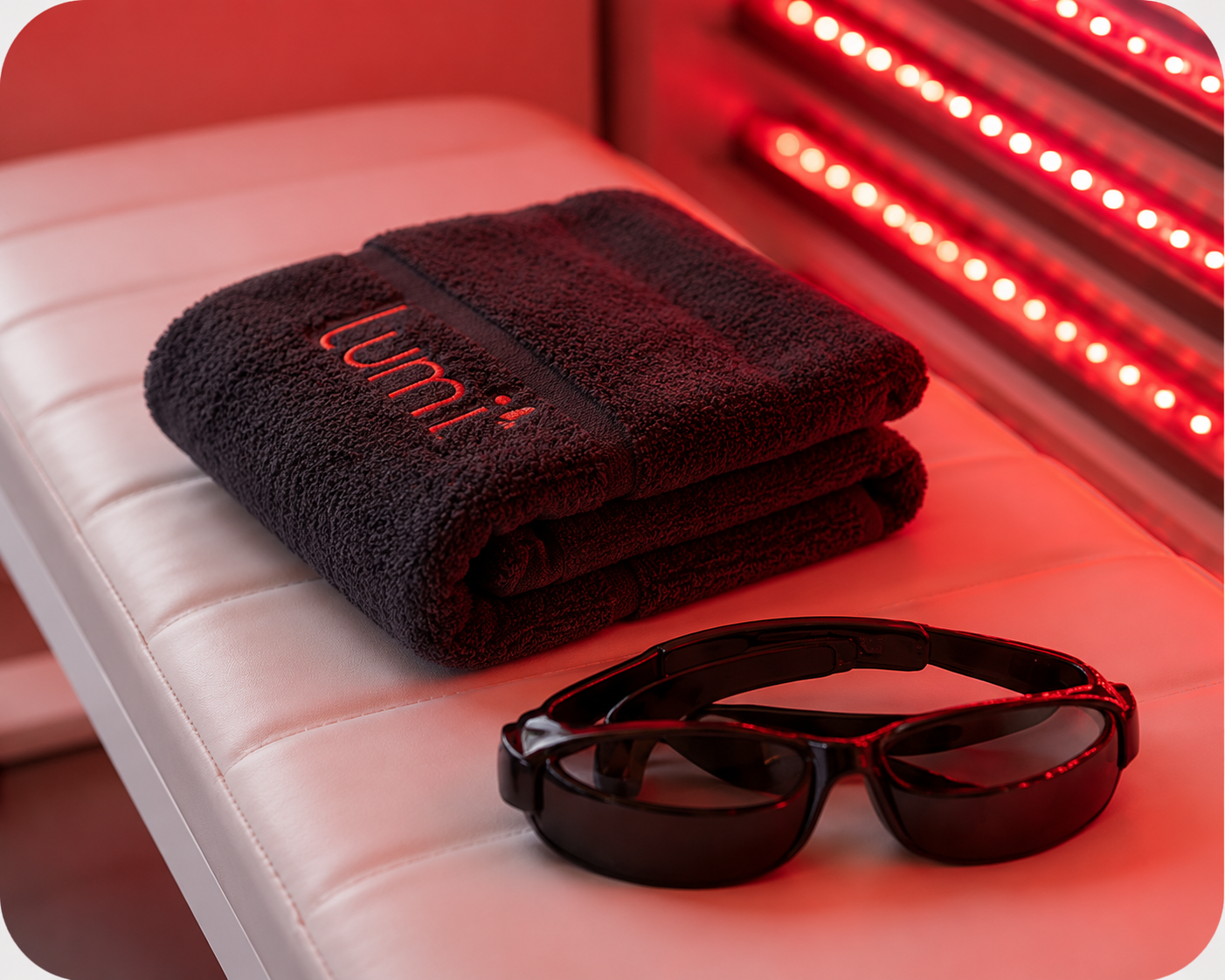
Please wipe down the bed, pillow and eyewear after use. You're also welcome to give them a quick wipe before your session too!
Please use the bed within your personal comfort level.
We recommend first-time users begin with a shorter session and gradually increase over time.
Session lengths can range from 5–20 minutes, with the average session being around 15 minutes.
Please use the protective eyewear provided during your session or feel free to bring your own.
Using the bed is simple, just follow the in-room instructions and you’ll be up and running in moments.

Using your Lumi bed.

Install your KISI app.
We will be in touch before your session but in the meantime, don’t forget to download and set up your KISI Access App.
You’ll receive a separate invitation shortly, and completing your access setup before your appointment will ensure you can make the most of your session time ,